
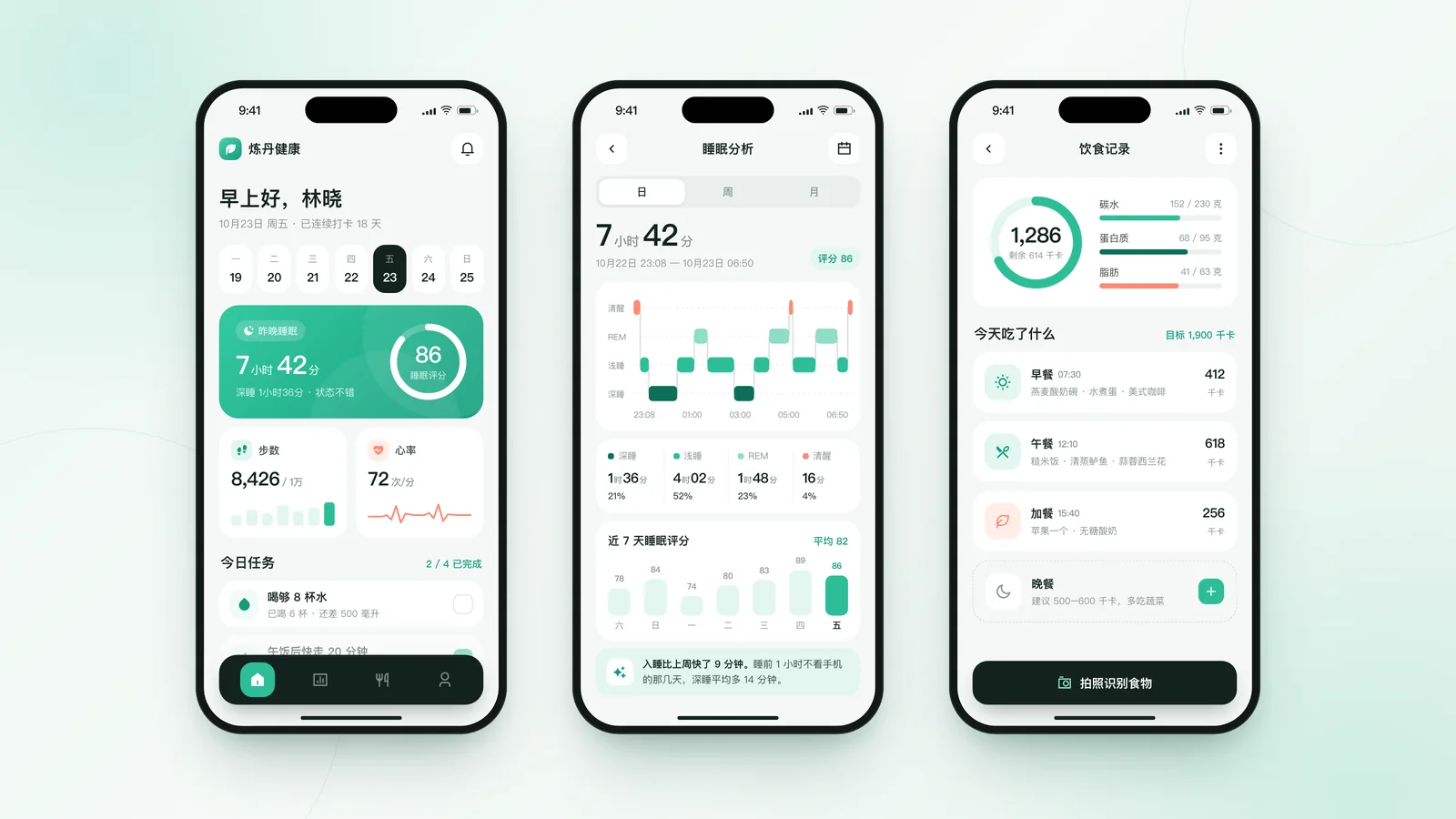
Concept design
App UI Design
Every App screen, from home to each feature—with editable source files
Every tool in our lab—including our own AI Motion Editor—was built with Claude-written code. We can do the same for you: UI design, custom industry tools, AI agents that run in WorkBuddy, and websites.
Designers set the direction, Claude writes the code, and you get editable source files and full source code.
Each is a concept we designed for a fictional “Liandan” brand, followed by real projects.
Every App screen, from home to each feature—with editable source files
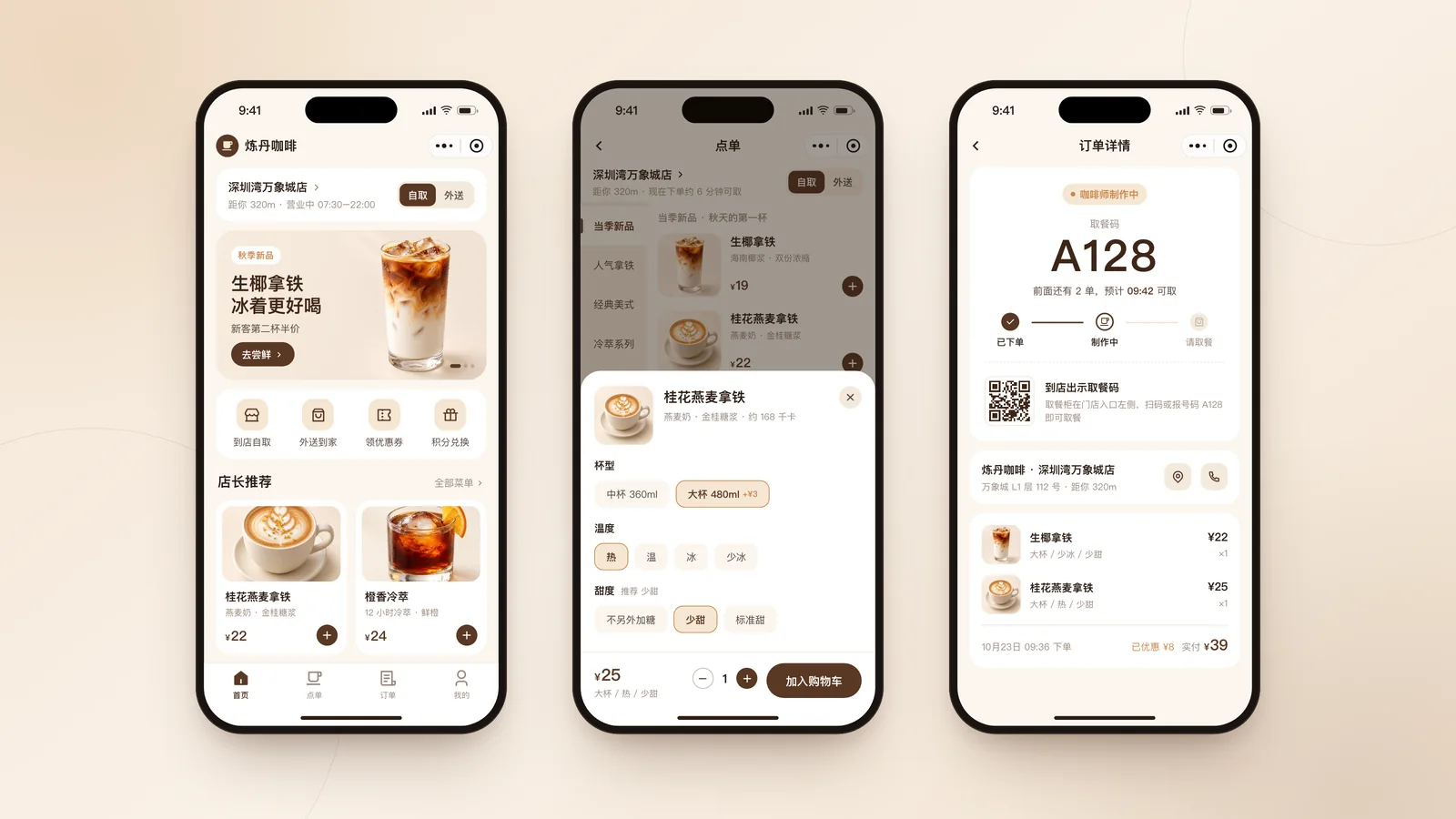
Ordering, booking, membership and campaign pages, built to WeChat guidelines
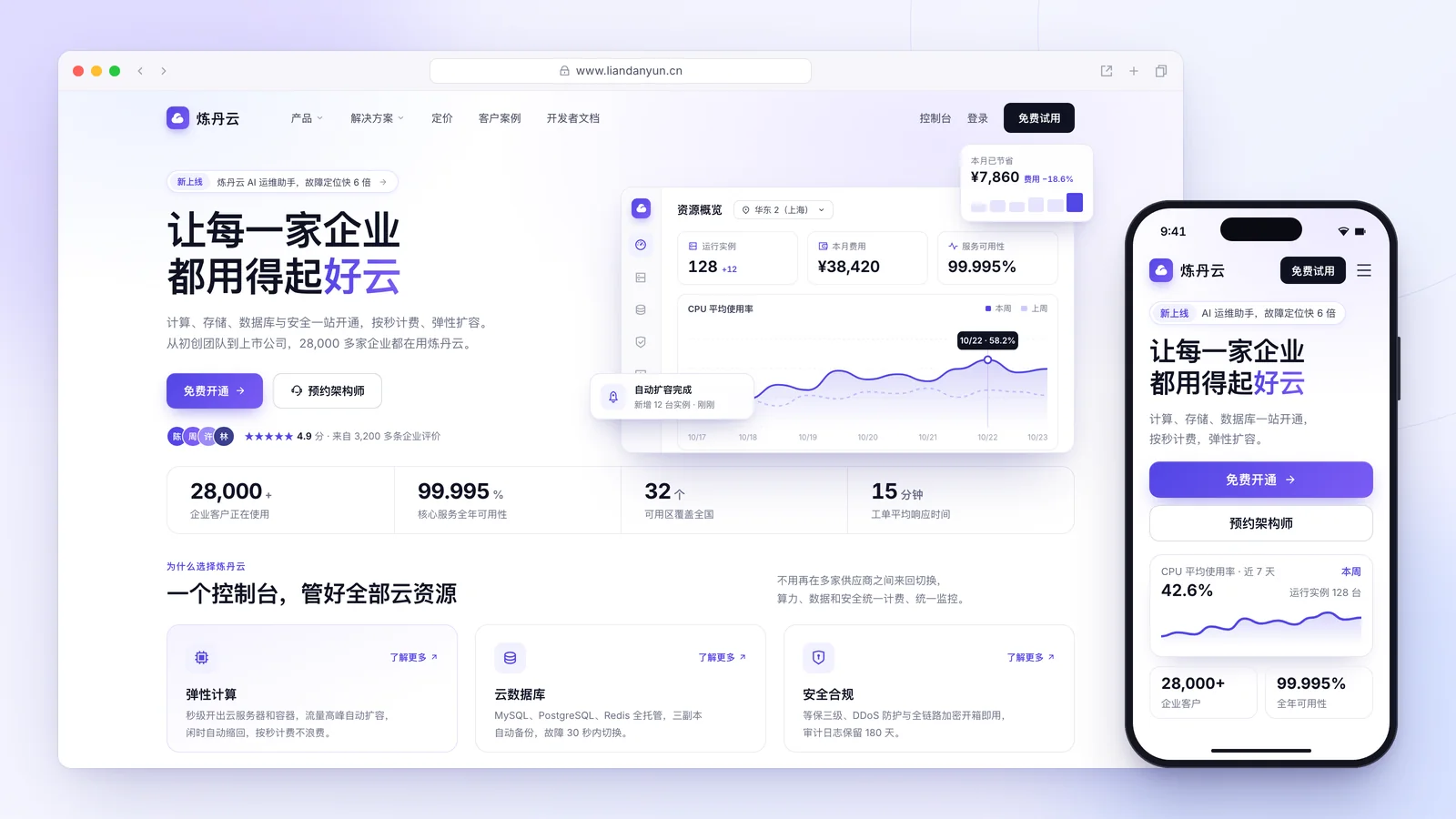
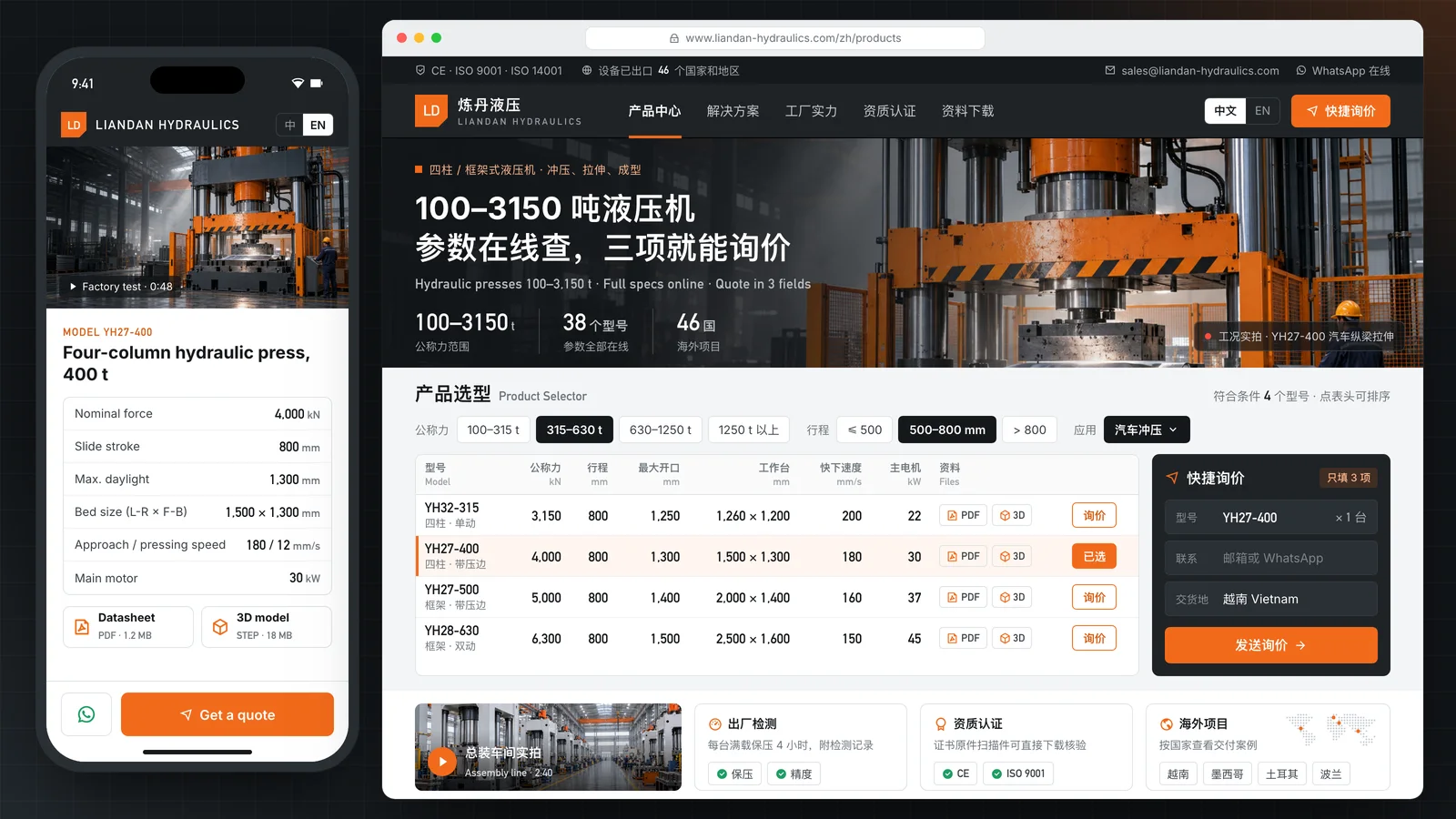
Corporate sites, product pages and landing pages—desktop and mobile
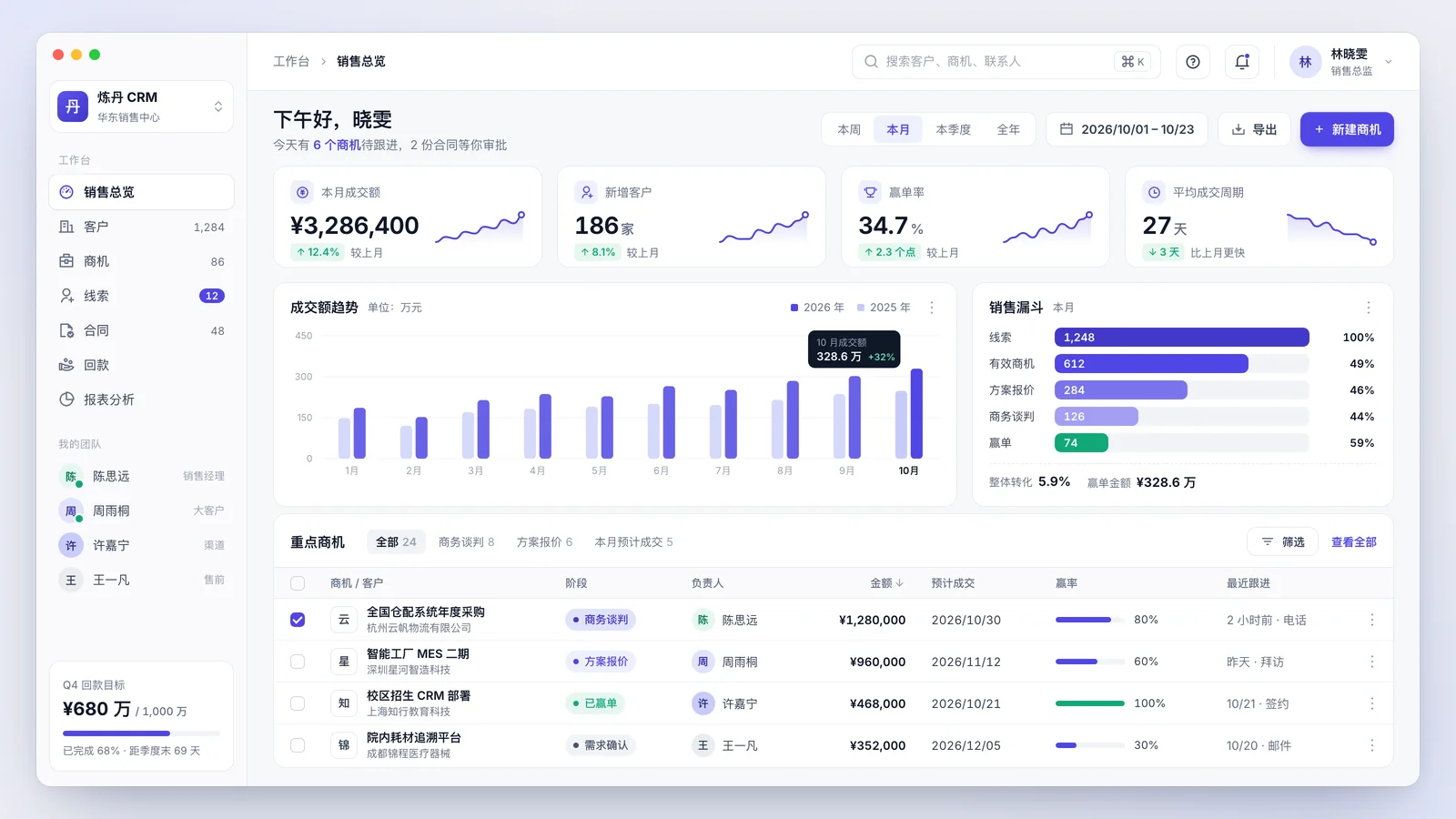
Data-heavy admin systems made clear and easy to use
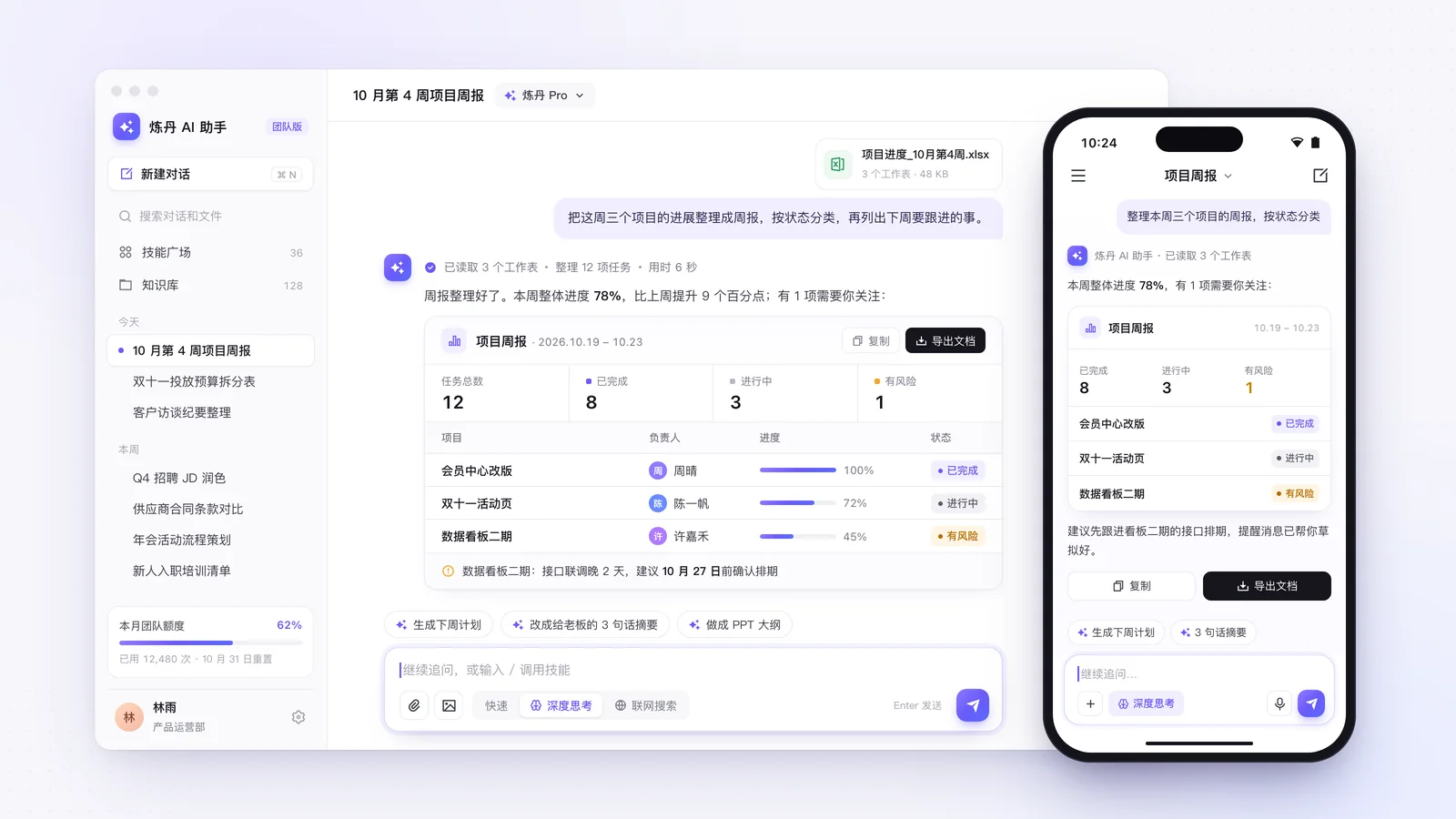
Chat, generated results and knowledge bases—the screens AI products need

Command centers, showrooms and campus screens—data at a glance
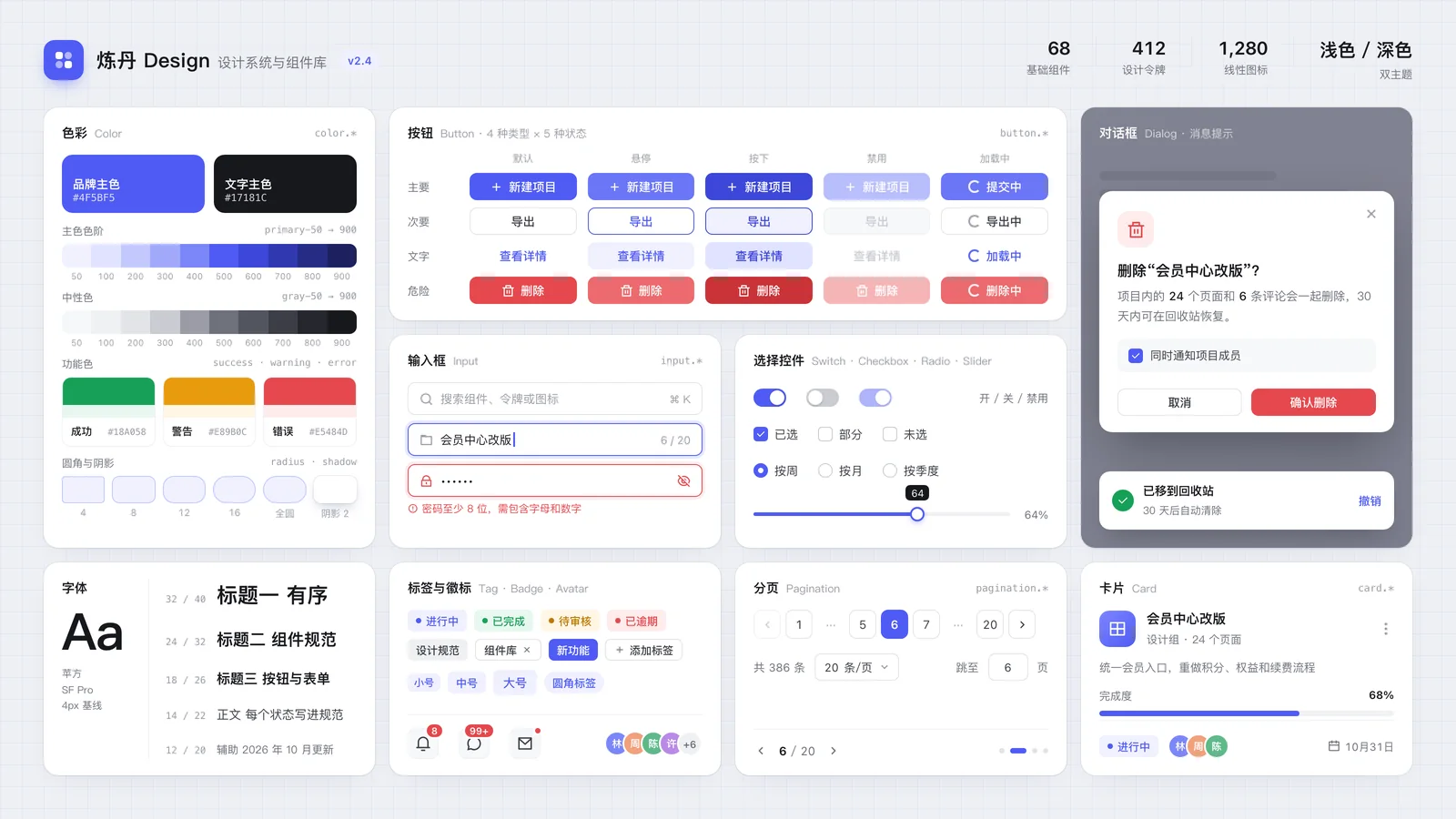
Colors, type, buttons and full components your team can reuse
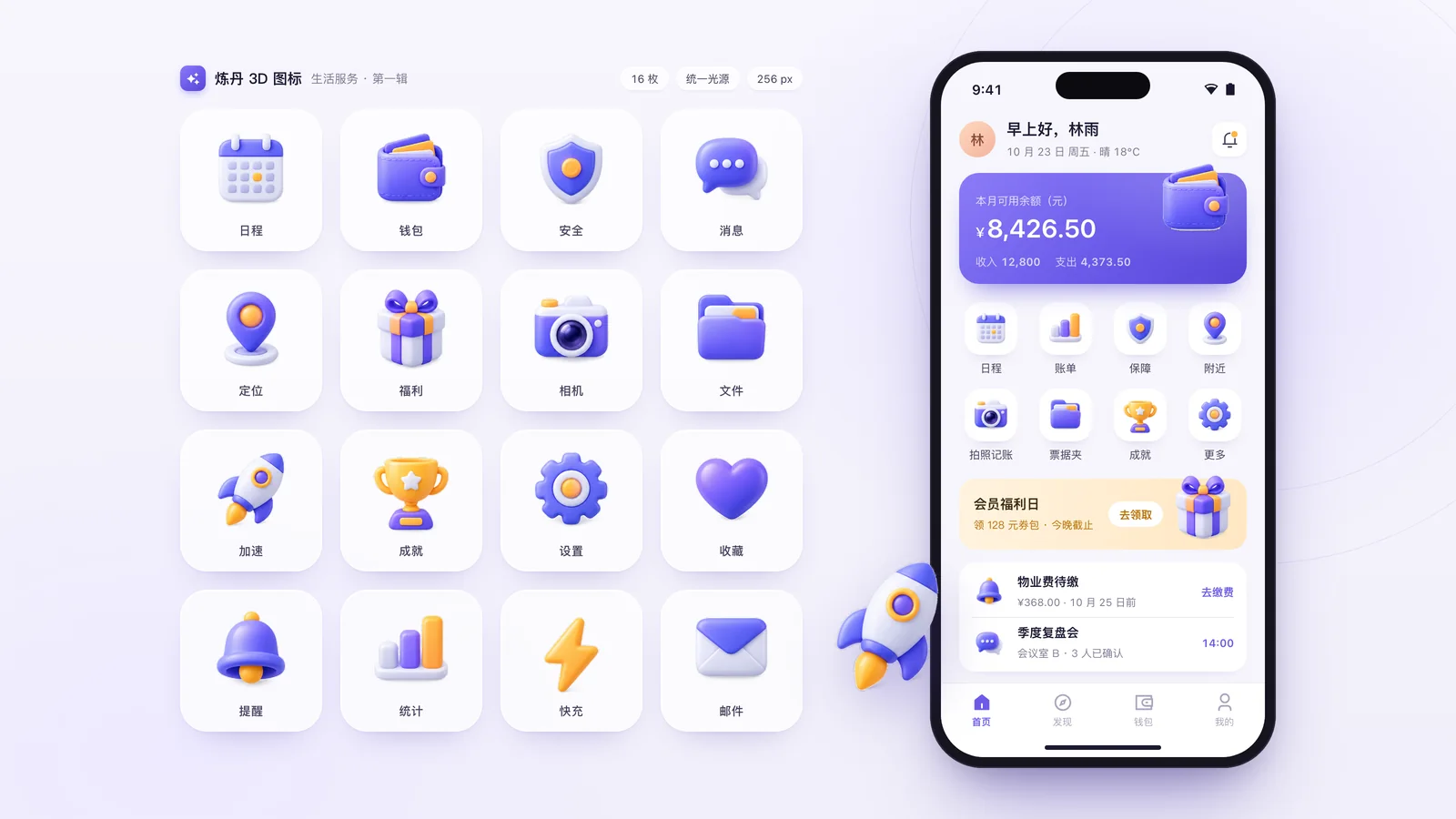
3D icons, feature icons, level badges and empty-state illustrations
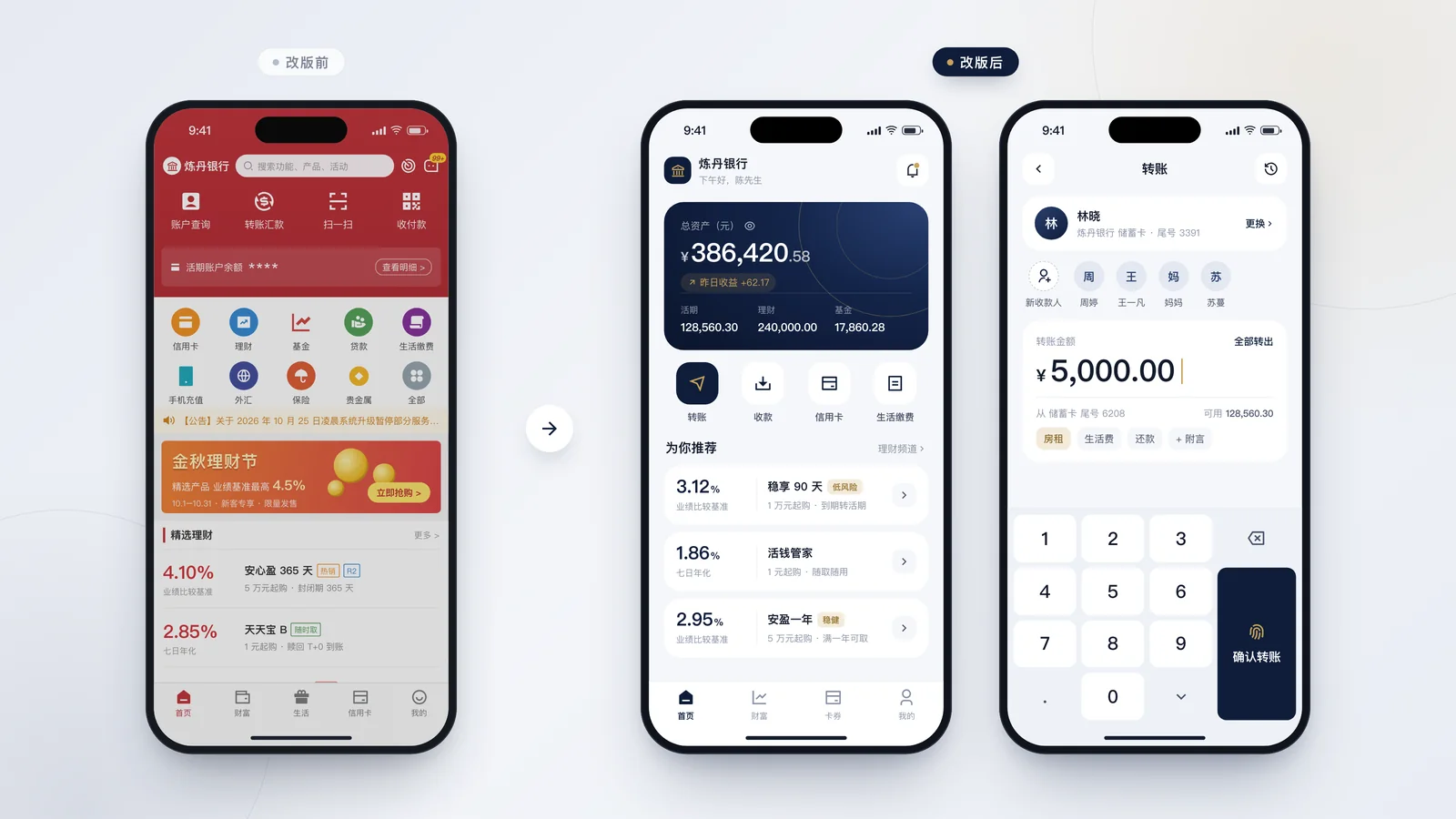
Keep the features, make old screens look and work better
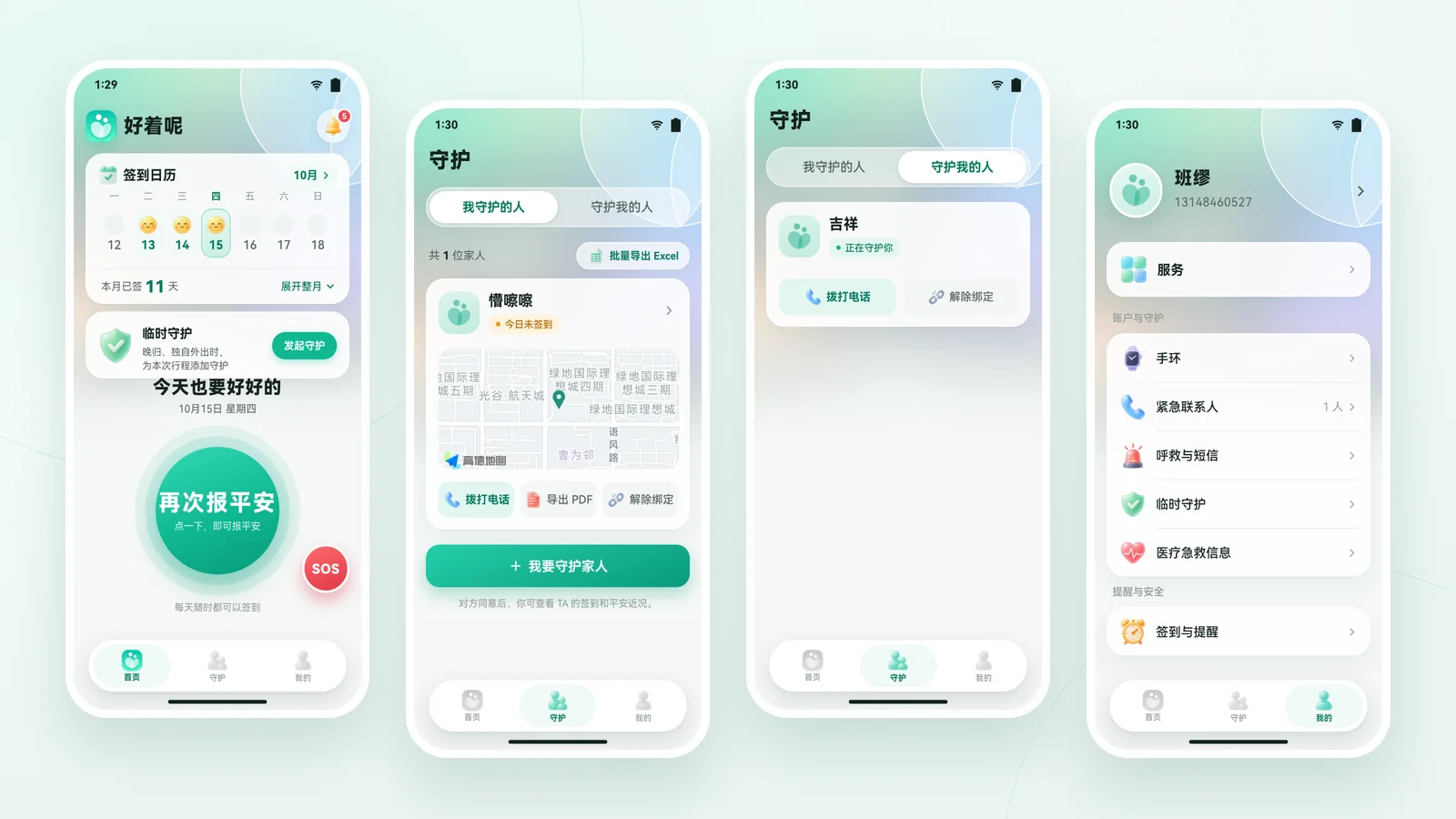
A safety check-in app for people living alone. Every feature and line of copy stayed; we took mint green from the logo and rebuilt the icons, aurora background, frosted cards and floating tab bar. Four main screens went from screenshots to final design files in one day.
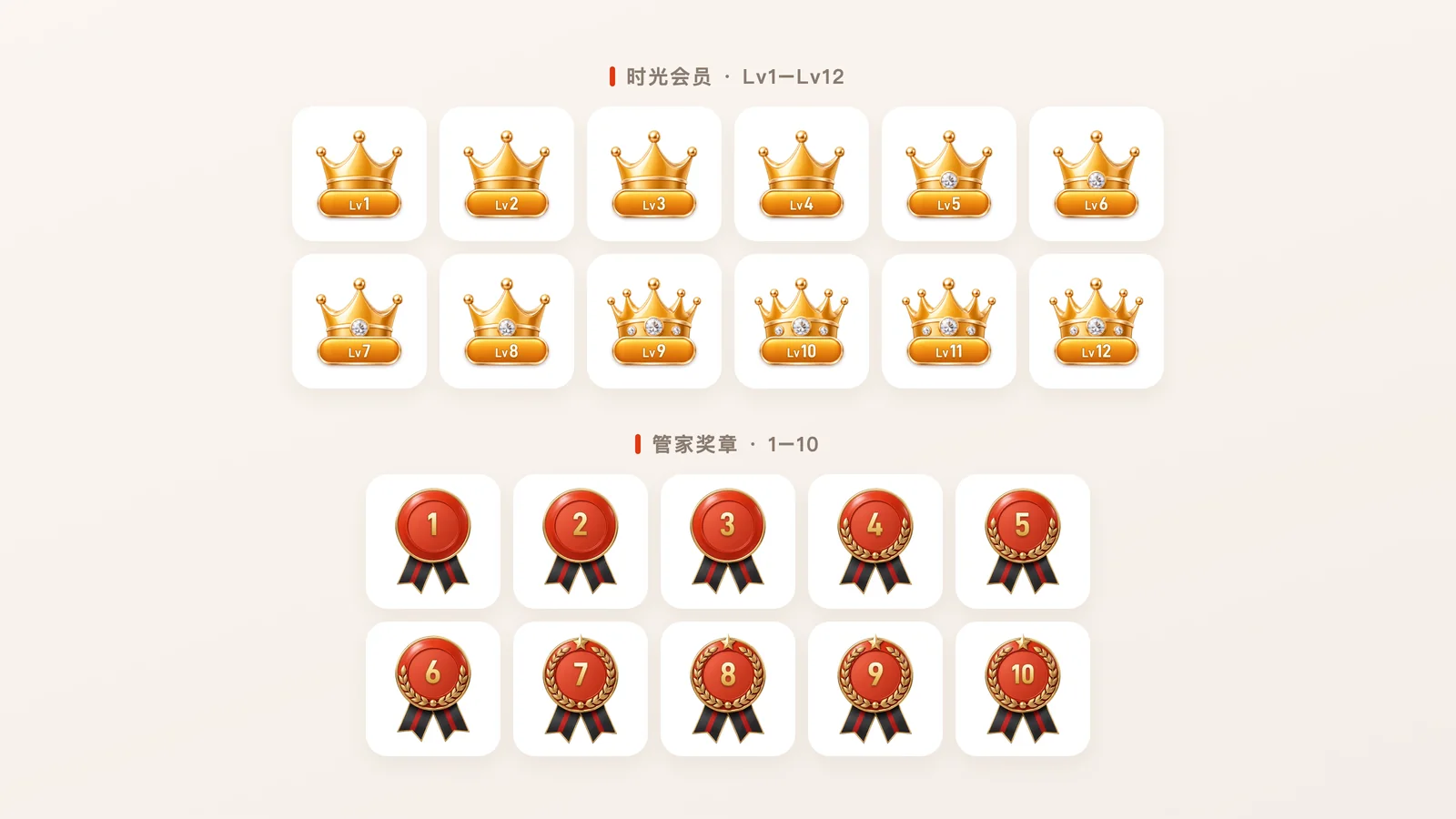
For Ziroom’s 15th-anniversary tech film we designed member-level crowns (Lv1–Lv12), butler medals (1–10) and role tags, and rebuilt four AI product screens 1:1 in code from screenshots so they stay sharp on a giant screen.
See the full caseFounder Huang Zhongzhong started as a UI designer and led the design system of the open-source component library Element Plus—setting rules for buttons, tables and forms is home turf.
Invited to Tencent Design Ecosystem Day 2022 to present “Upgrading the Element Plus Design System.”
Invited to speak at Huawei UXTC, and creator of BDicon, a 3D icon model popular with UI designers.
Our designers set the direction and rules; Claude writes the code for every screen, which we then turn into editable design files. What you save is repetitive drawing time—not standards or quality. Quotes depend on screen count and complexity.
Rosters, ledgers, repairs, bookings, approvals—a real interface, shared by your team, with data on your own servers. Below are simulated cases built on real workflows.
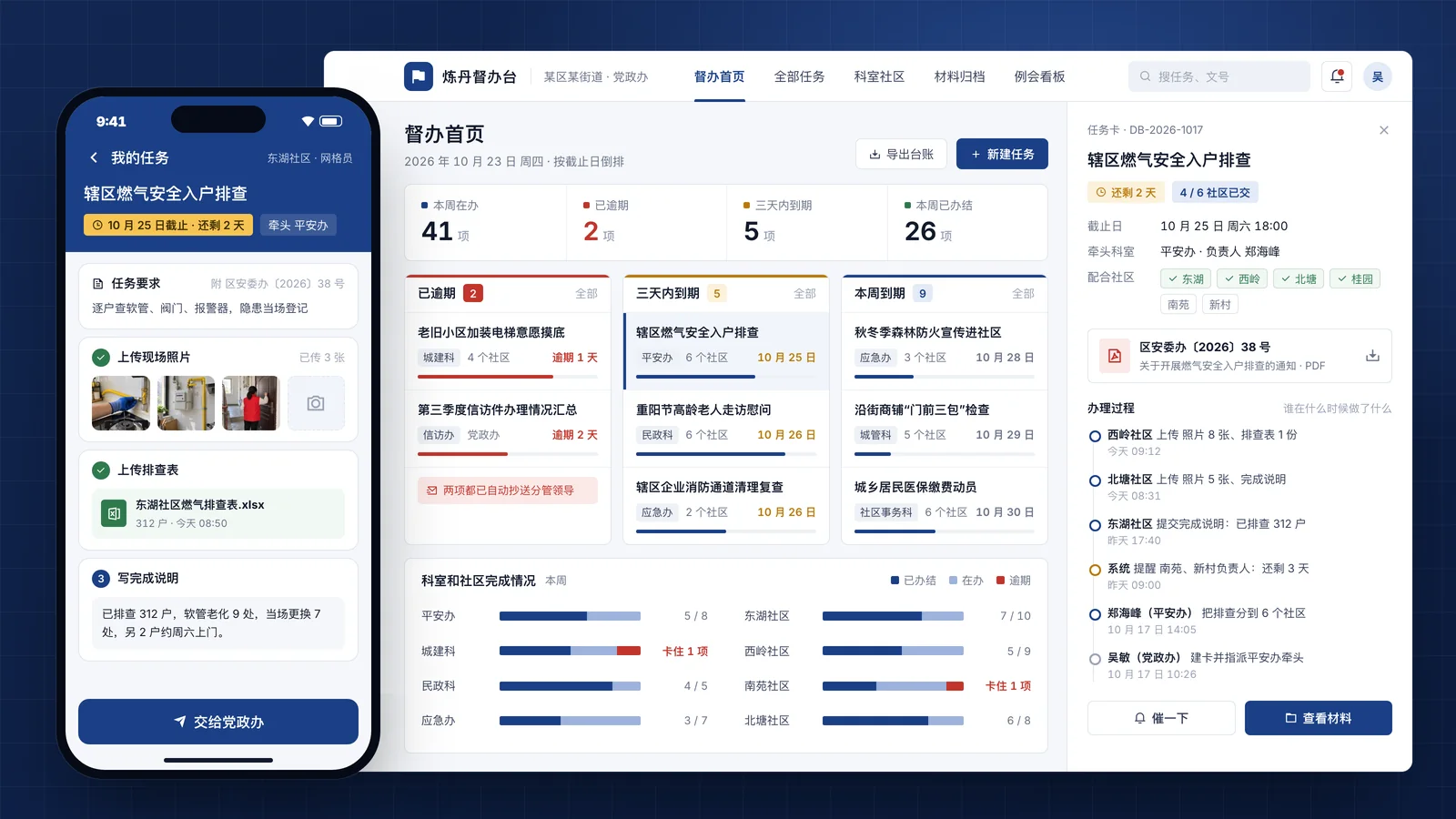
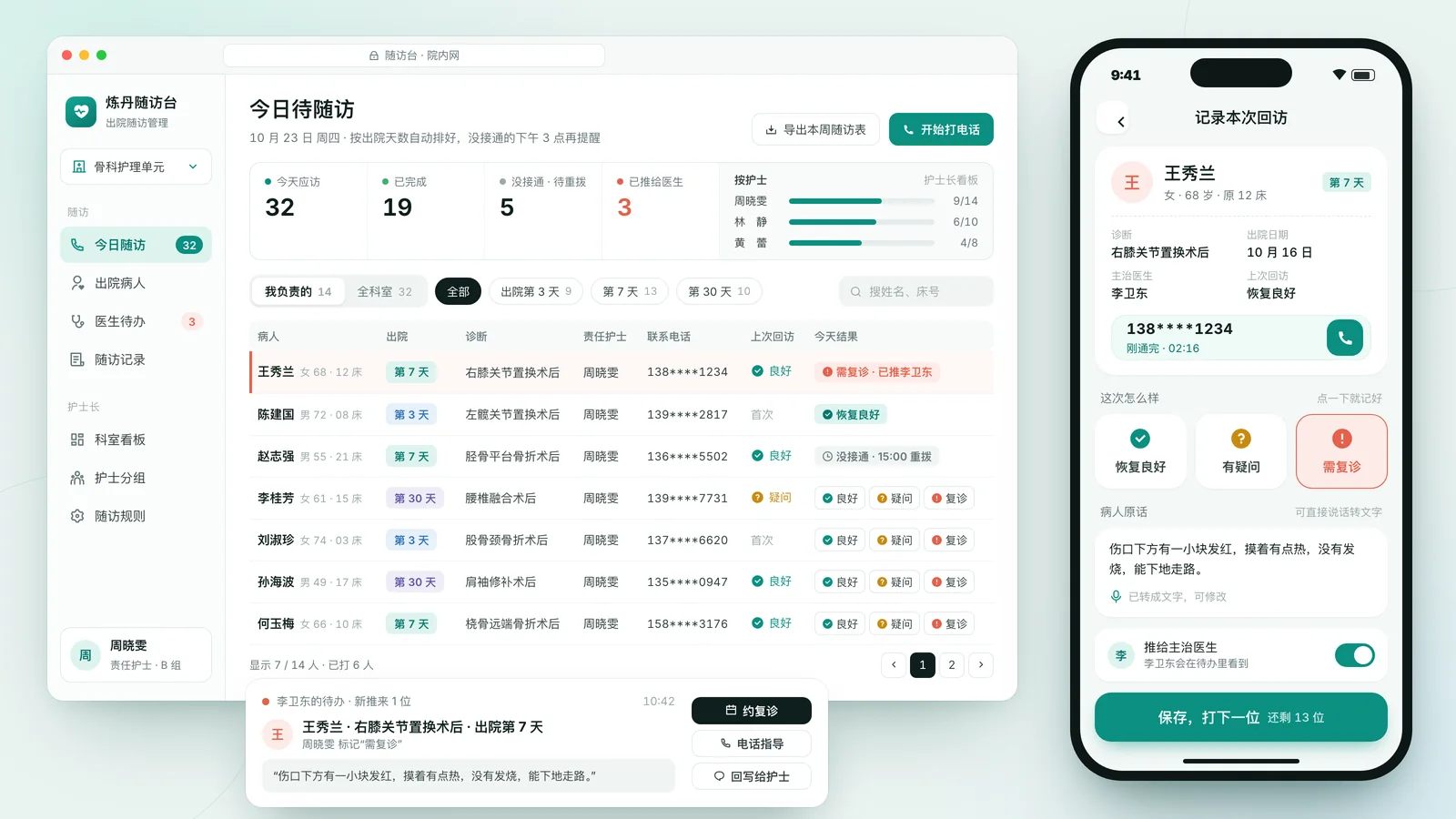
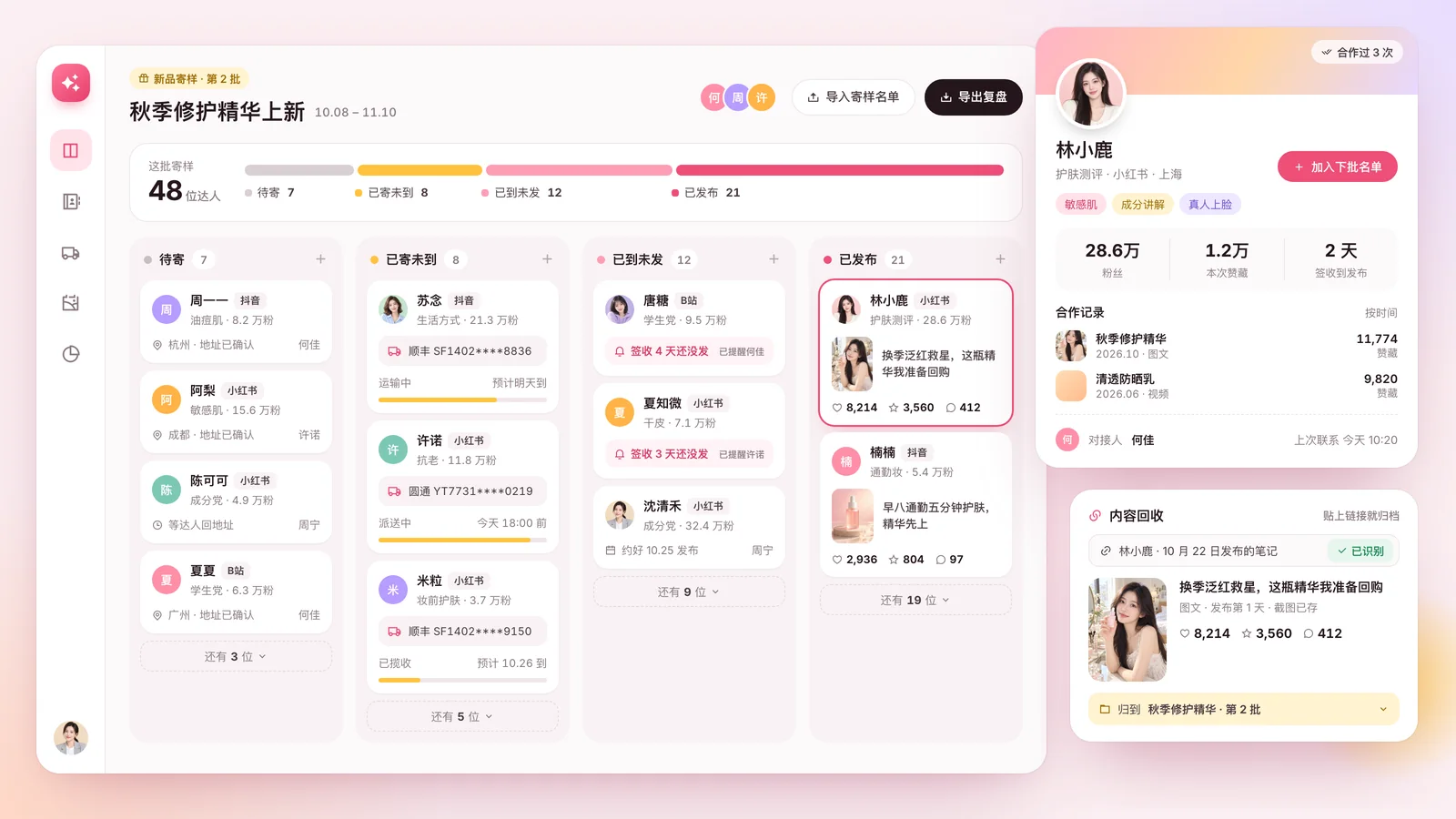
The general office takes in dozens of tasks a week and hands them to sections and communities. Everything sits in an ever-growing Excel sheet, progress is chased in chats and by phone, deadlines are remembered the day before, and an overview for leaders has to be pulled together on the spot.
Each ward’s head nurse spends an evening a week on next week’s roster, juggling night rotations, leave, trainee rotations and skill mix. Then nurses swap shifts in group chats, the head nurse edits the sheet by hand, and month-end night counts and overtime rarely add up.
The school runs small classes and one-on-one lessons, with teachers moving between three campuses. The timetable sits with the academic team, lesson balances in finance’s sheet, and leave and make-ups are arranged in class chats. A parent asking how many lessons are left means checking two sheets, and last-minute changes leave some students arriving for nothing.
Dozens of presses run three shifts, each checked before start-up. Paper checklists are filled in and left hanging, problems are passed on by word of mouth, repairs go through a chain of phone calls and leave no record, and which machines keep failing the same way lives only in senior technicians’ memories.
Whether it’s air conditioning, lights or access cards, tenants call the front desk, which writes it down and phones engineering. Technicians juggle several jobs with priorities shouted across the room. Tenants call again to ask when someone is coming, and paid part replacements that weren’t agreed in advance turn into disputes.
A micro-drama has dozens of episodes, each reviewed by the director, producer and platform. Notes arrive via chat, documents and voice, editors spend time collecting them before cutting, every new version needs an explanation of what changed, and “you still haven’t fixed what we said last time” is a common reply.
Tell us which job wastes the most time, who does it and what sheets you use; we watch how it’s really done, on site or remotely.
You soon get a version you can click through in a browser, built on your own fields and steps, so feedback is concrete.
We import your existing sheets, let frontline staff try it, and adjust to their feedback.
We deploy to your server or cloud, train the team, and update the tool as your process changes.
The AI video QC tool, AI editing tool and version comparison tool we use every day—and this website itself—were all built with Claude-written code: catching visual glitches before delivery, syncing one change across a film, and comparing versions side by side.
Packaged as a skill in WorkBuddy, Tencent’s desktop agent, on your own computer—staff just ask in WeCom or Feishu.
Turns a week's photos and scattered notes into draft bulletin items in the district's format and tone, with captions, so the writer only edits and approves.
Reads each submitted certificate for name, course, credits and date, fills in the nursing office's summary sheet, and lists who is still short.
Flags absolute claims and overstated effects that break advertising rules, and offers one or two drop-in replacements for each, leaving the rest untouched.
Reads photos or PDFs of a client's policies and lists type, cover, payment term, beneficiary and renewal date in one household table. It organises, it doesn't recommend.
Checks incoming videos against the screen spec for resolution, ratio, frame rate, length and audio, lists failures, and drafts a note back to the producer.
Merges team members' reports into one: done this week, next week's plan, and decisions needed from above, each item tagged with its owner.
I've photographed today's safety training sign-in sheets. They're in the October training folder. Can you match them?
I read 4 sheets and matched them to the invite list: 62 expected, 57 signed. There's now an attended column in the list.
Two things to check: one signature on sheet 3 is unreadable, possibly a Chen; and someone from a property company signed in but isn't on the list.
That's Director Chen, standing in for their unit. Write a make-up notice for the absentees.
Marked as present. The five absentees are grouped by unit, and the notice is in Make-up Notice.docx with the time and place left blank for you.
Pick a recurring job that’s tedious and easy to miss, and show us how it’s done and which files it uses.
We write the steps, headers and rules into a skill, defining which folder it reads and where results go.
Installed in your WorkBuddy and run on real files until the results are right.
Staff learn how to ask and read results; the skill changes when your process does.
Design, code, mobile, search and AI-search optimization and English, with full source code.
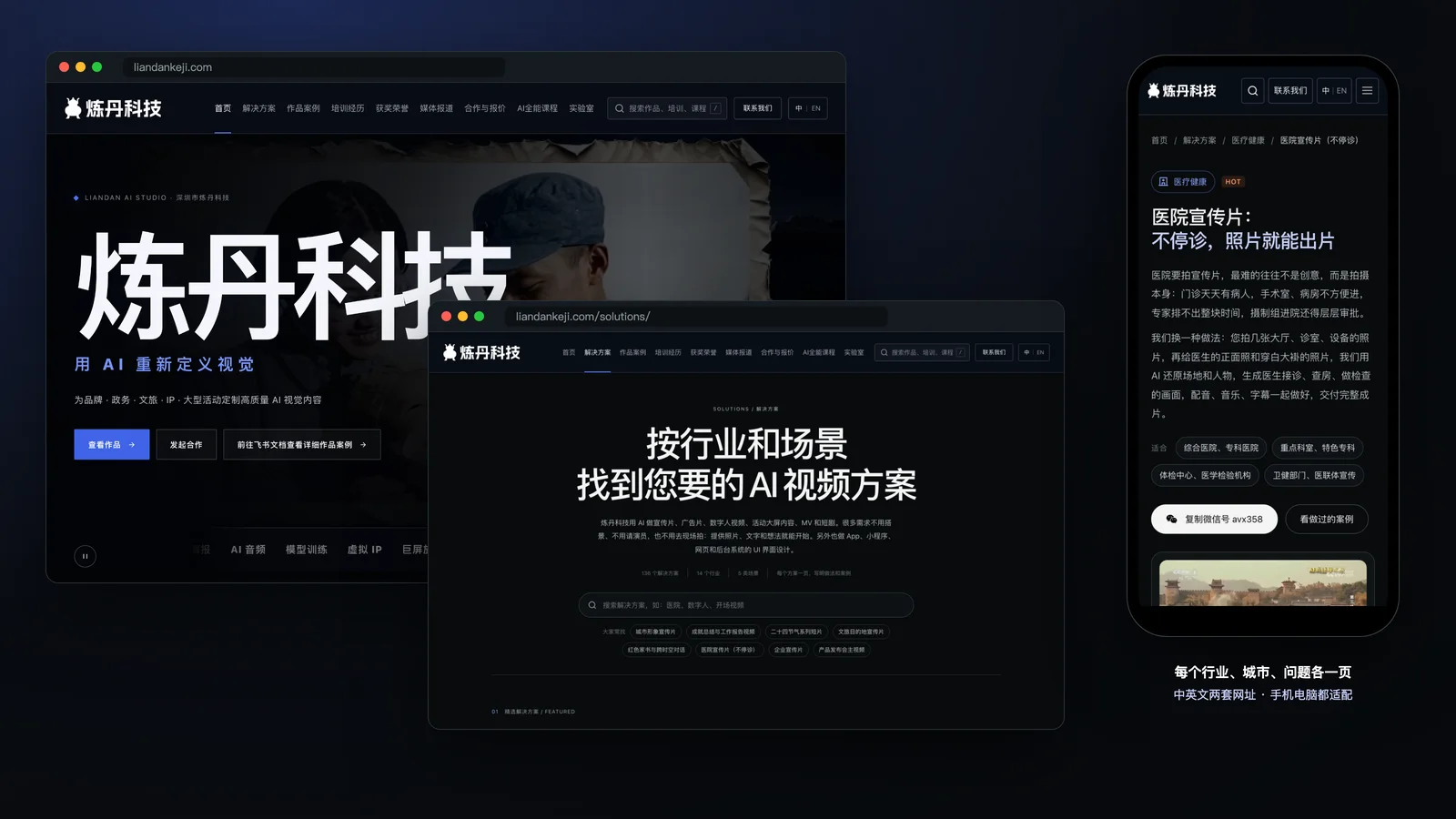
The site you’re reading was built with Claude-written code: a page for every industry, city and common question, separate Chinese and English URLs, search metadata and structured data on every page, an auto-generated sitemap and llms.txt for AI readers, and site-wide search—fast even on a small server.
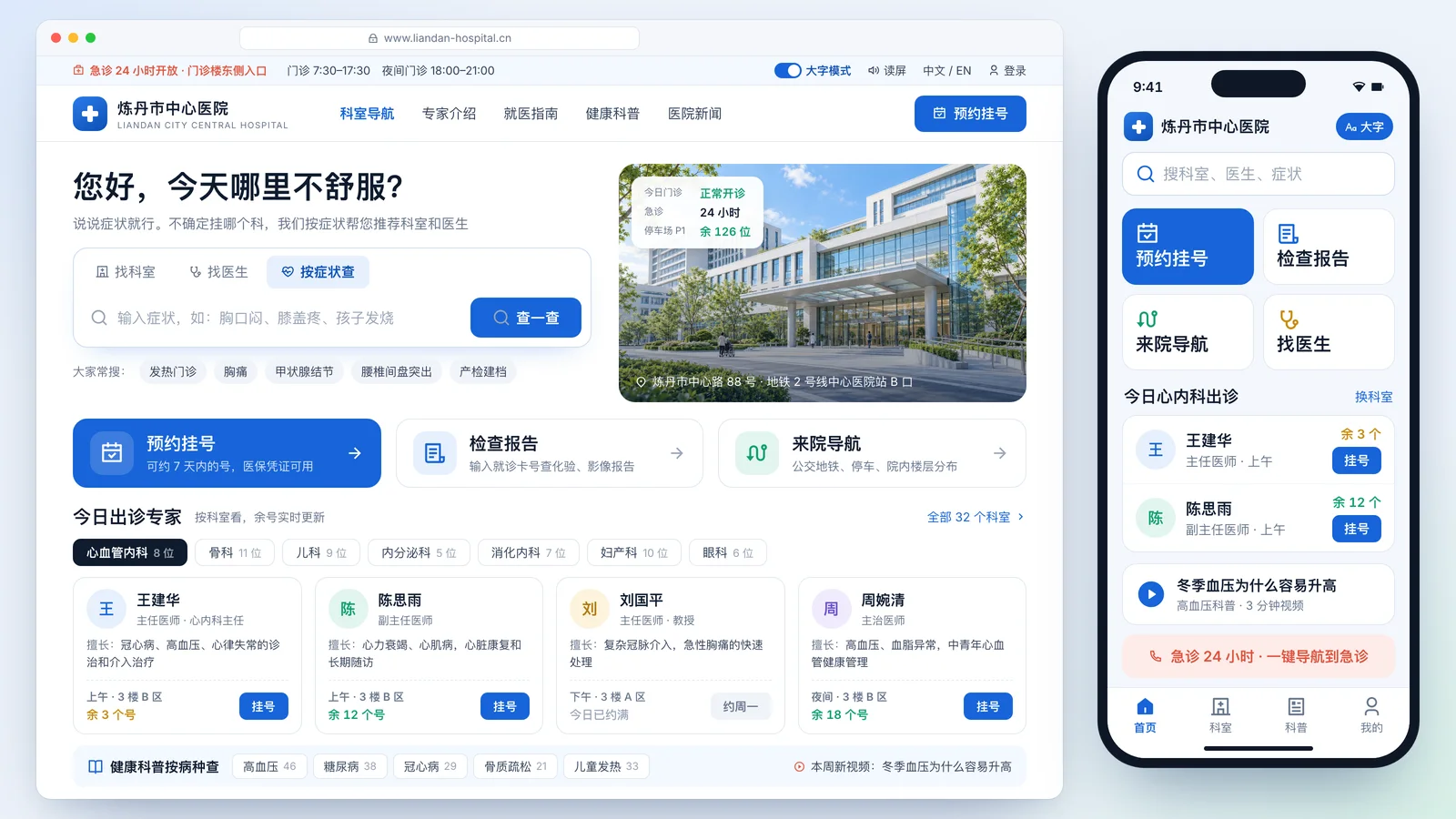
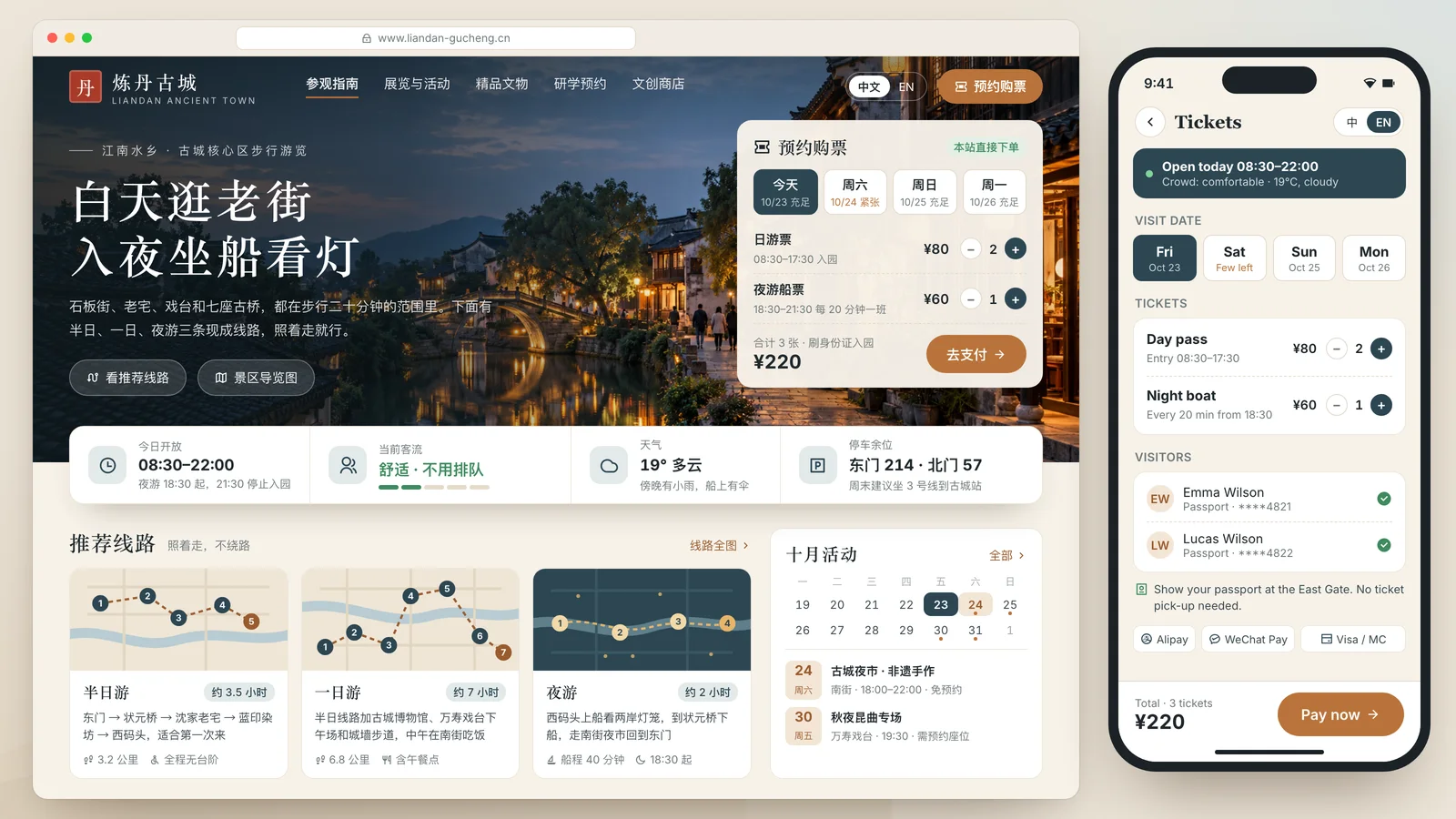
Tell us the screens you need, the job that wastes the most time, or what visitors should do on your site—screenshots and sheets help.
You quickly get a style draft or a clickable version to react to.
We refine to your feedback, then deliver editable design files or full source code, deployed on your own server.
Listed here is what we’ve done and what people ask most. For other industries or uses, add us on WeChat and send a one-line brief—we’ll reply with an approach and quote within 1–2 working days.
Page updated 2026-10-24
Ideal for brand launches · public-sector communications · cultural-tourism campaigns · IP transformation · event openers · earnings visualization · social campaigns · AI workflow development