
Abstract concepts are hard to show
Pythagoras, induction, reactions: with chalk and talk students can’t picture them, and teachers don’t know animation software.
Teachers know how to teach, but turning a lesson into animation, checking every step of a class’s homework and building model courses to a standard takes more time and tech skill than one person has. Generic AI tools make teachers learn prompting, so schools struggle to roll them out.
We build subject components and fixed workflows into the system. A teacher types one request; the system breaks down the concept, applies animation components and generates a step-by-step explainer. Homework photos are checked step by step, and veteran teachers’ recordings become digital-human model lessons. It connects to leading LLMs, is tailored by school and subject, and can run on the school’s own servers.
Pythagoras, induction, reactions: with chalk and talk students can’t picture them, and teachers don’t know animation software.
With dozens of papers, teachers can only tick or cross; they can’t see which step or concept each student got stuck on.
Veteran teachers’ best methods live in the classroom; turning them into standard courses, slides and exercises drags on for a term.
The system splits the concept into steps and applies prebuilt subject components, so maths, physics, chemistry and geography principles animate step by step.
Photographed working is checked step by step, errors are tied to steps and concepts, and follow-up exercises match the class’s error pattern.
Lesson recordings are analysed, teaching methods distilled and organised to model-course standards, with digital-human videos, slides and exercises.
Components and workflows are ready-made, so teachers see a few buttons and one input box. Models are swappable and data can stay on campus.
Type “explain Pythagoras” and get a stepwise animation of squares on each side fitting together, ready for class.
Upload working, see error steps and concepts, get a class error summary and auto-generated variant exercises to choose from.
With consent, a veteran teacher’s photos create a digital human that presents the organised script, with slides and exercises.
Deployed by the bureau, so animations, lessons and exercises from every school are filed by grade and subject and shared district-wide.
Each step comes to you for approval before we move on.
Pick a subject and concept, or a few real homework sheets; we build a demo so teachers can judge it first.
We agree which features, subjects and grades come first, cloud or on-premise, and confirm a feature list and screen designs with you.
We build curriculum components and workflows, connect the models and build the teacher interface, piloting each part with a few teachers.
We train teachers, then add components and newer models based on feedback, so the system grows with your teaching.
Start with our own demo; the science case after it shows the explainer-animation style.
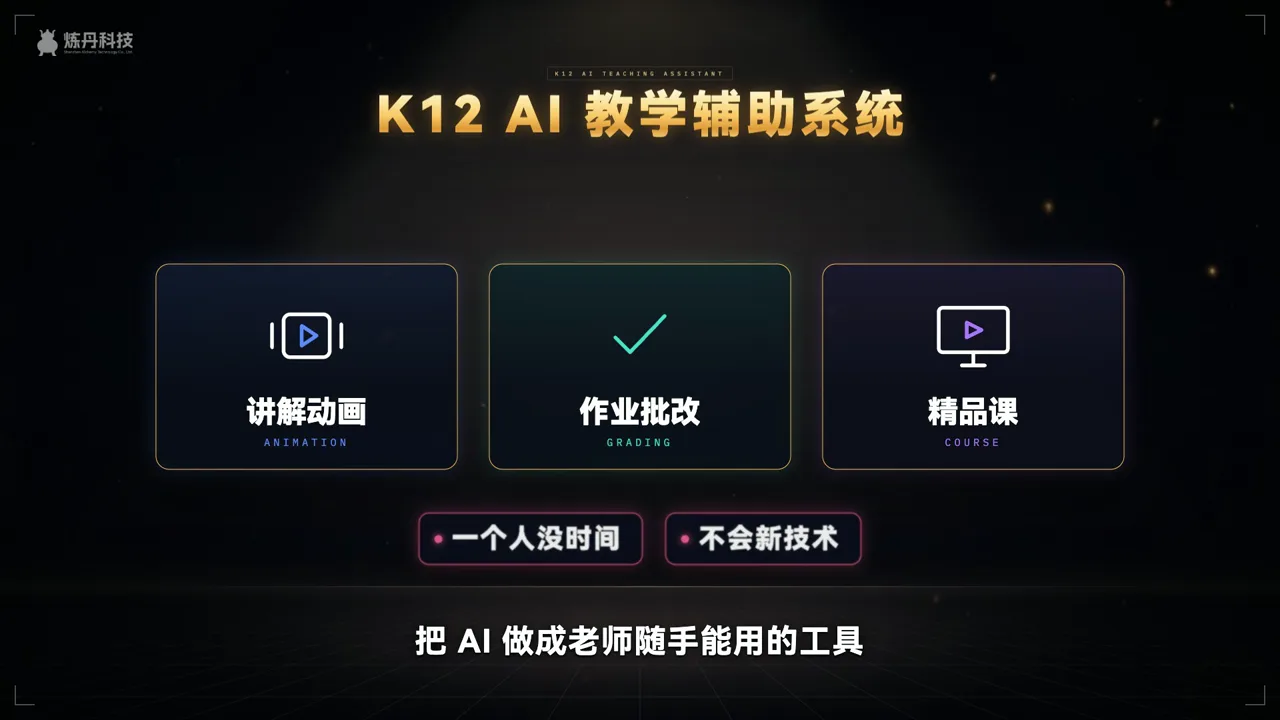
The film at the top of this page, 1:15: using junior-high maths, one request becomes a Pythagoras animation, then photo grading, variant exercises and model courses.
Watch the demo at the top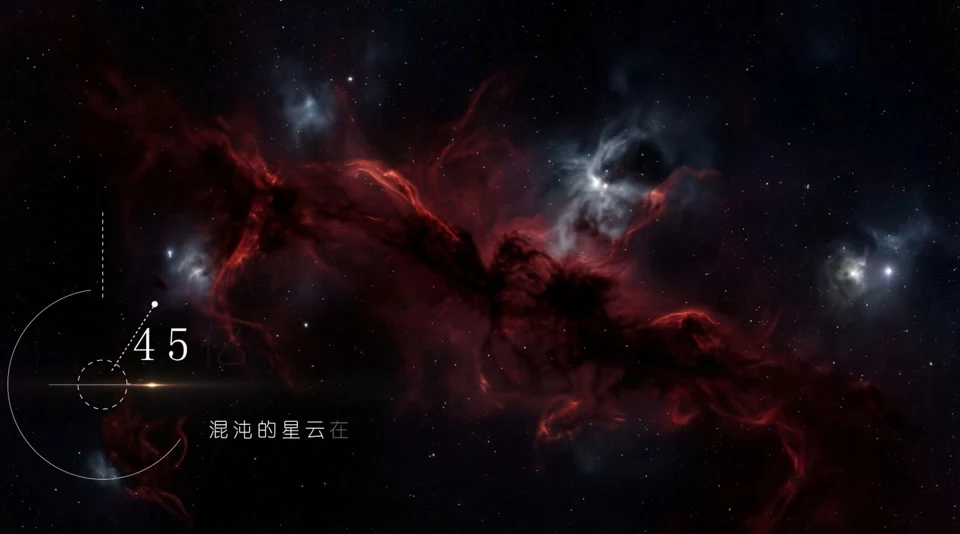
Our own science sample on how the solar system formed, with stages, orbit lines and titles—the same step-by-step approach as the explainers.
See the full caseSend one document you already use—a lesson script, a homework sheet, a policy or a manual. We’ll build a short demo from it so you can decide before we build the platform. More work in Work.
For process, pricing and revisions, see Process & Pricing.
Listed here is what we’ve done and what people ask most. For other industries or uses, add us on WeChat and send a one-line brief—we’ll reply with an approach and quote within 1–2 working days.

Page updated 2026-10-24
Ideal for brand launches · public-sector communications · cultural-tourism campaigns · IP transformation · event openers · earnings visualization · social campaigns · AI workflow development