Recording eats teacher time
Booking studios, getting ready, re-recording: a course has dozens of points and teachers lose big blocks of teaching and research time.
Colleges build online courses, micro-lessons and resource libraries every year. Teachers go back to the studio again and again, re-record whole takes for one slip, then wait for editing, subtitles and slide syncing—and every content update starts the cycle over.
We build your own course platform. With consent, a teacher records their likeness once; after that they upload scripts and slides, and the platform generates digital-human lecture videos with subtitles, concept animations and quick quizzes. Edit one line and only that line is regenerated. Courses are filed to building standards, and the platform can run on campus servers.
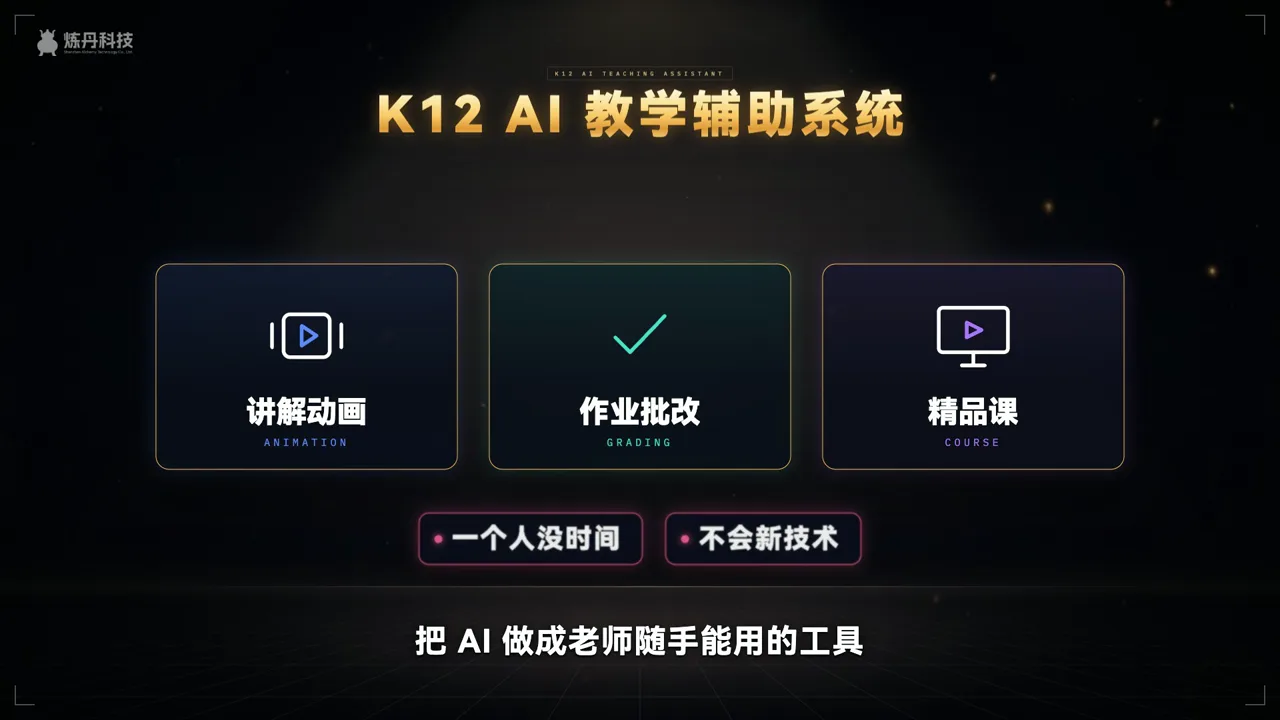
Booking studios, getting ready, re-recording: a course has dozens of points and teachers lose big blocks of teaching and research time.
Editing, subtitles and slide syncing wait on technicians, and at term end everything piles up and launch dates slip.
A new edition, updated data or one wrong word means re-shooting, so many courses are never updated after launch.
With consent, a teacher records their look and voice once; afterwards they just submit scripts and their digital self presents.
The platform splits scripts by concept, and slide turns, subtitles and highlights follow the speech—no frame-by-frame syncing.
When textbooks or data change, edit the script and only that segment is regenerated, so courses stay current.
Videos, slides, exercises and subtitles are filed in the folder structure and formats course-building reviews ask for.
One concept per short lesson with the teacher’s digital self, synced slides and subtitles, ready for the school’s platform.
Principles, processes and structures become stepwise animations from prebuilt subject components, inserted into the lecture.
Each script segment yields multiple-choice, true/false and short-answer questions that teachers edit into the bank.
The same course in English and other languages for international students, and whole courses refreshed when editions change.
Each step comes to you for approval before we move on.
Pick a teacher and a concept with script and slides; we make a sample lesson so the teacher can judge likeness and flow.
We agree how scripts are submitted, who reviews, filing standards and hosting, then confirm the feature list and screens.
We build the platform and subject components and record teachers in batches, each approving a sample before full use.
We train teachers and admins, then add features and newer models as usage grows, and handle maintenance.
Start with our own demo, followed by related digital-human work.
Its model-course section—analysing a veteran teacher’s recording, organising it to standard and generating digital-human video, slides and exercises—uses the same approach.
See the demo and solution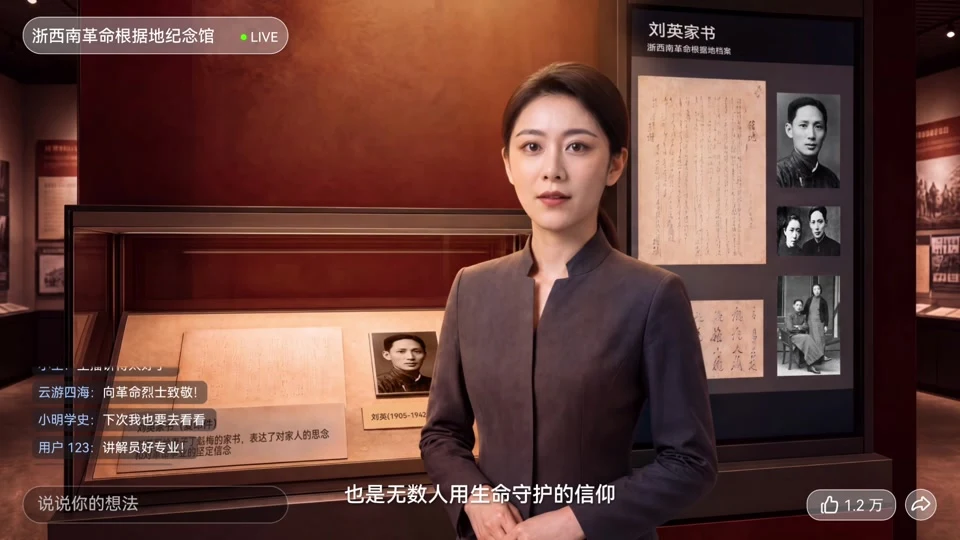
Letters of Southwest Zhejiang: an AI-generated guide leads viewers from the display case into history—the same idea behind a digital lecturer.
See the full caseSend one document you already use—a lesson script, a homework sheet, a policy or a manual. We’ll build a short demo from it so you can decide before we build the platform. More work in Work.
For process, pricing and revisions, see Process & Pricing.
Listed here is what we’ve done and what people ask most. For other industries or uses, add us on WeChat and send a one-line brief—we’ll reply with an approach and quote within 1–2 working days.
Page updated 2026-10-24
Ideal for brand launches · public-sector communications · cultural-tourism campaigns · IP transformation · event openers · earnings visualization · social campaigns · AI workflow development