What AI does well in product films
AI is best at placing a product in all kinds of settings: offices, cars, living rooms, children's rooms, by day or night, without building sets or booking actors. For new hardware with little footage yet, viewers can see it in everyday life before launch.
How we keep the product accurate
Exact product reproduction, where shape, logo, interface and colors can't be wrong, counts as Premium under our tier rules. In practice:
- You send product photos from several angles and design drawings, marking what must not change
- Storyboard stills come first, so the product's look and placement are approved as stills
- Product shots are generated several times and the most accurate take is chosen
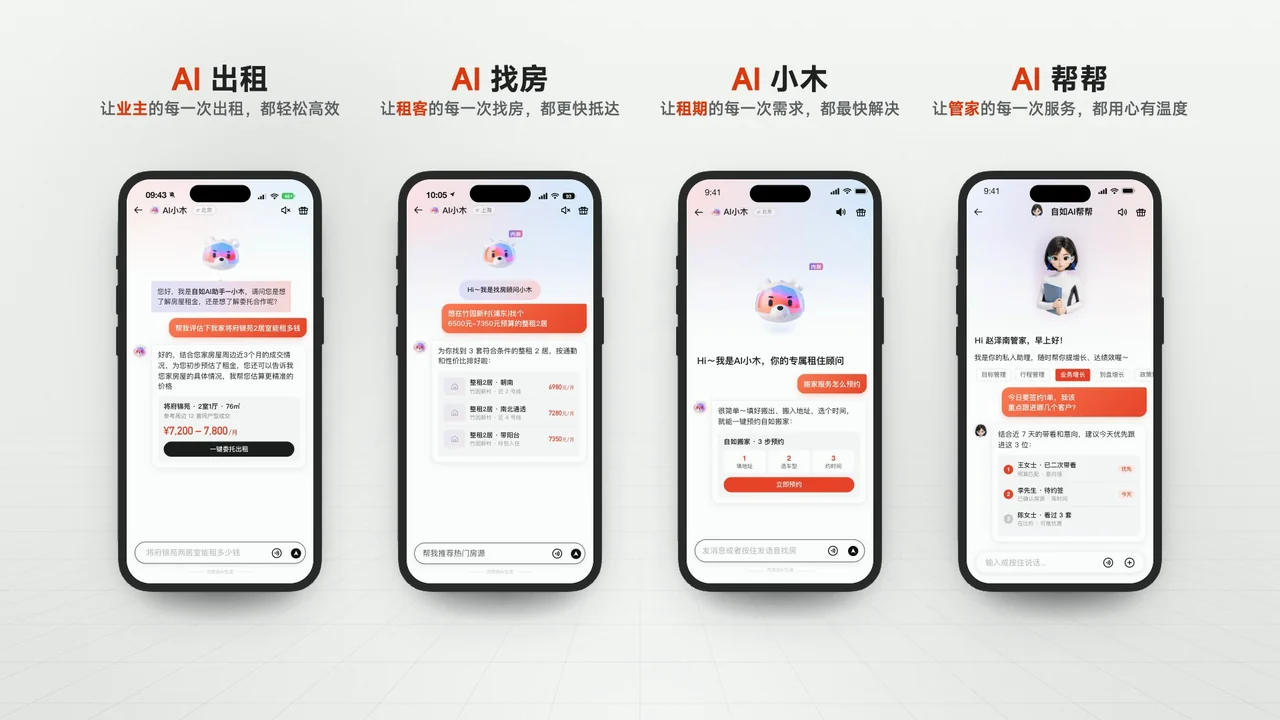
- UI uses real screenshots and recordings, not AI-generated screens
- Small text, figures and UI motion are built precisely in post-production
Real examples
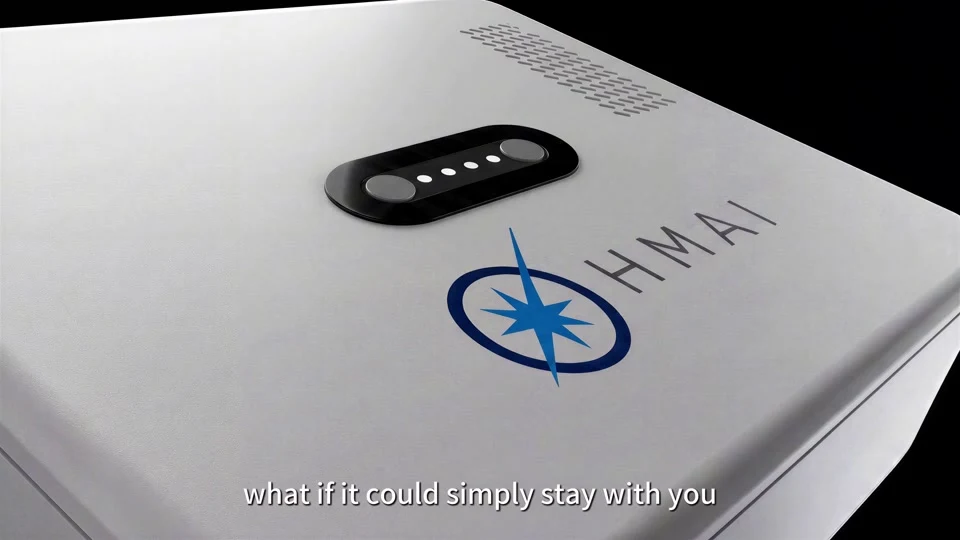
In the OHMAI (UK) AI hardware film, close-ups and light skimming the surface show the rounded corners, blue connectors, rear logo and grille, and then the same expressive screen moves between a desk, the back of a phone and a car. From the kickoff chat to the 4K 50fps English film took under two weeks.
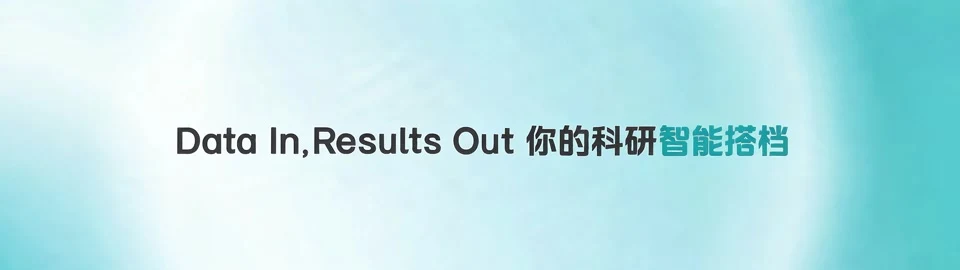
In the BGI Genpilot and Ziroom films, every interface is real: for BGI, UI, text and highlights were built in After Effects with AI used only for animated backgrounds; for Ziroom, every app screen came from screenshots and recordings the client provided.
The hardest thing to change is the core product
Changing the product means changing the whole film, so it's best to lock the product's look at the style and assets stage. Changes to the core product are measured by how many shots it appears in.
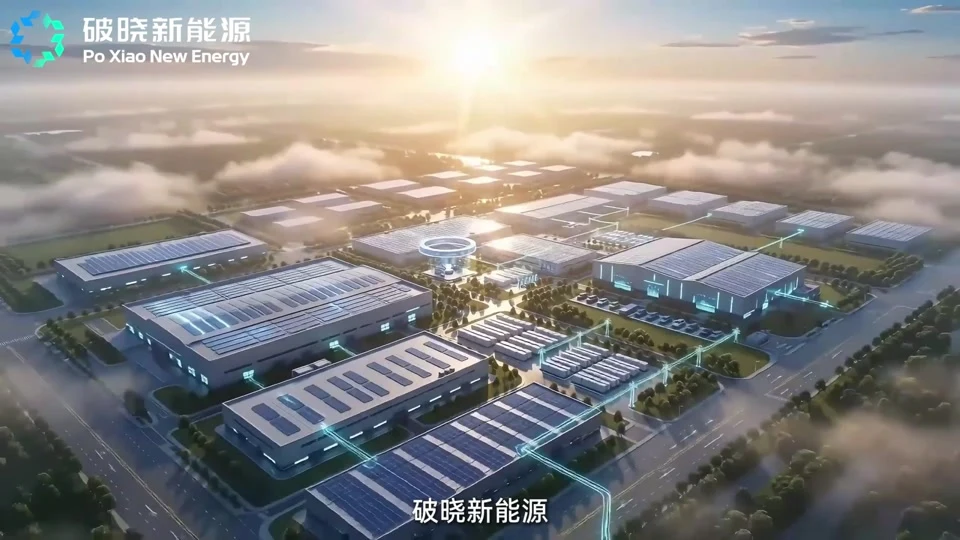
One set of product visuals can also yield several versions. After delivering the 15-second Poxiao New Energy film, we added a 17-second cut and 3- and 5-second rolling cuts for Chinese Super League LED boards.