
Recordings lack focus
Full-screen captures have tiny text and a wandering cursor; users don’t know where to look.
The feature shipped, but users don’t know about it or can’t use it. Release notes go unread, and a screen recording drags as the cursor wanders and viewers lose the thread. For anything complex, the explanation is either too fast to follow or too detailed to finish.
We turn your real interface into clean motion: only the area that matters for each step stays on screen, zoomed in with the right button highlighted. The video opens on a user scene showing when they’d need the feature, walks through the steps, and ends by showing where to find it.
Full-screen captures have tiny text and a wandering cursor; users don’t know where to look.
Tutorials show buttons but not why or when, so users forget to come back.
Every redesign means re-recording the whole tutorial, and the team can’t keep up.
Each step zooms on the active area and dims the rest, so eyes simply follow.
An AI-generated work or life scene sets up the purpose, so users know what problem it solves.
Interface and scenes are separate layers; if a button moves, we redo only those steps.
Full tutorials for the help center, 30-second highlights for social and in-app prompts.
One minute on what the feature solves and how to start, released with the update.
The first video after sign-up, walking through the core flow from zero.
How to join an event or use a tool for ideas, acted out by a mascot.
Follow one real task as the AI breaks it down, uses tools and returns a result.
Each step comes to you for approval before we move on.
Feature notes and steps, a test account or screenshots and recordings, and the one line users should remember.
We choose the opening scene, break the task into steps with one line each, and storyboard for approval.
We add zoom, highlight and click animation to the interface, generate the scenes, and add voice and subtitles.
Landscape tutorials and vertical shorts; future redesigns are handled step by step.
Click through for the full film and project review.
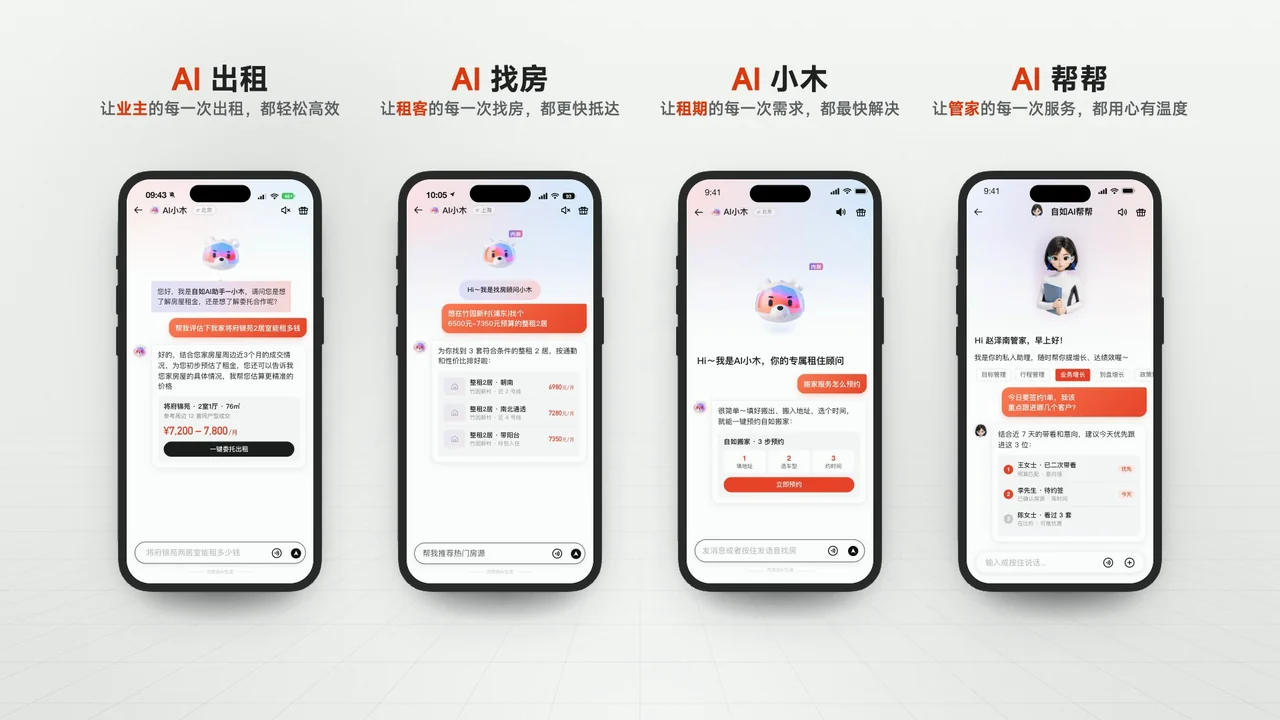
In the Ziroom film, every product screen is the real interface brought to life—one shot, one point—so all four products are clear at a glance.
See the full case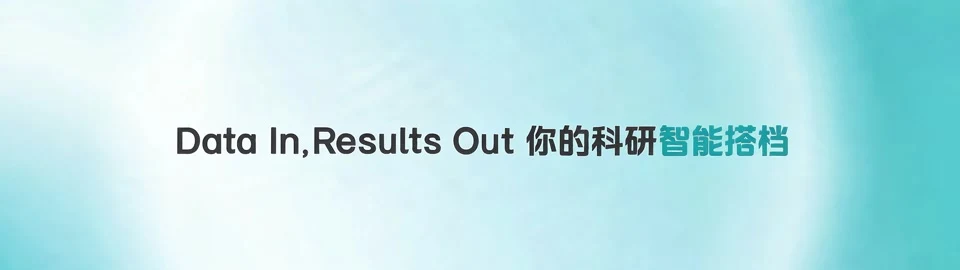
BGI Genpilot demo—script, AE interface animation and AI motion backgrounds: a caption on the left, the zoomed interface on the right, two cases end to end.
See the full case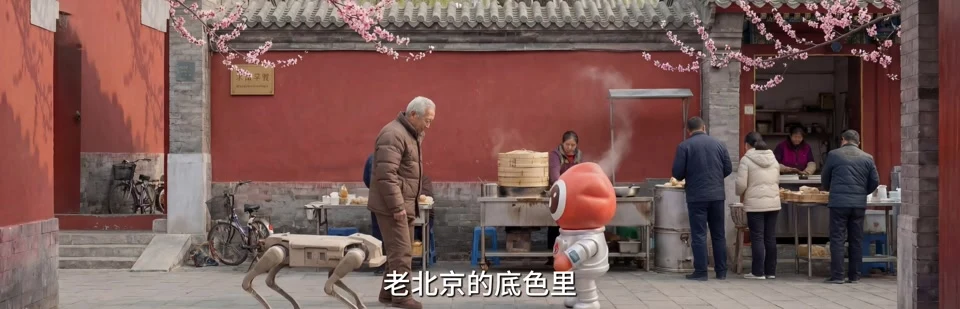
Weibo’s “Beijing Style” tech-unit film: the mascot puts on smart-search glasses for ideas, demonstrating how Weibo Smart Search works.
See the full case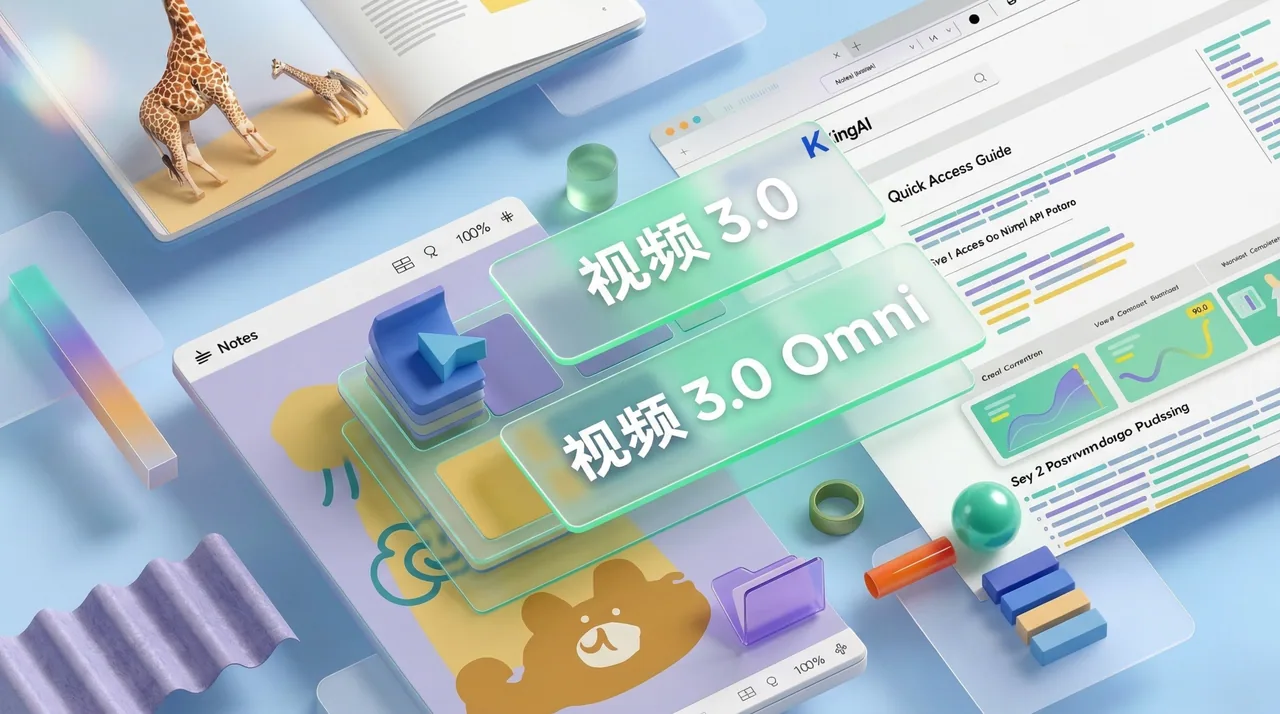
A self-initiated concept film: a dozen features laid out in layered glass cards and charts that are easy to read.
See the full caseFor process, pricing and revisions, see Process & Pricing.
Listed here is what we’ve done and what people ask most. For other industries or uses, add us on WeChat and send a one-line brief—we’ll reply with an approach and quote within 1–2 working days.
Page updated 2026-10-24
Ideal for brand launches · public-sector communications · cultural-tourism campaigns · IP transformation · event openers · earnings visualization · social campaigns · AI workflow development